Capture meaningful moments
Live mode lets you choose a screenshot when the presenter reaches a useful step.
 Video2Script
PROFESSIONAL LEARNING · FOR MAC
A software demonstration rarely follows neat slide changes. Capture the important screens while watching an imported tutorial, add your observations and keep the explanation nearby for later reference.
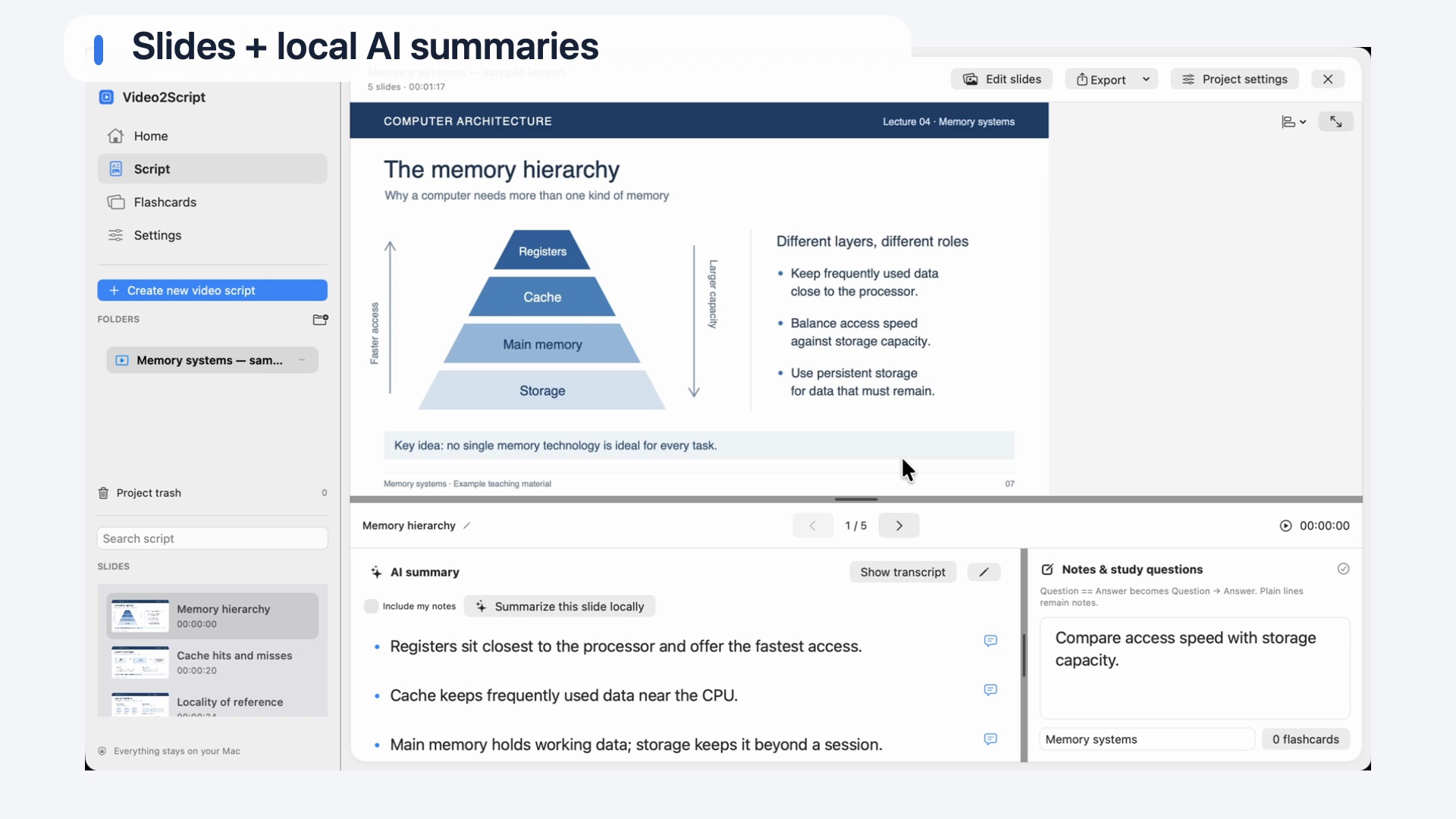
Keep screenshots, explanations and personal notes connected.
Live mode lets you choose a screenshot when the presenter reaches a useful step.
Return to the matching video moment when the summary leaves out an important detail.
Add context about your environment and export a document you can keep editing.
FROM RECORDING TO STUDY GUIDE
Choose an existing video file you are allowed to use.
Detect slide changes or capture useful moments manually in Live mode.
Review transcripts and summaries, then add your own context.
Keep the script in the app or export PDF or Word.
Speech recognition can mishear technical names, command options and version numbers. AI summaries are not verified instructions. Check exact commands and configuration details against the recording and the relevant product documentation before using them.
Video2Script captures screenshots and the spoken explanation. It does not reconstruct executable code from a screen recording or guarantee that a procedure will work in another environment.
A FEW THINGS TO KNOW
Yes. Use Live mode to capture useful screens yourself while watching an imported recording.
No. Screenshots and transcripts help you document a tutorial, but exact code, commands and configuration still need to be checked.
Start with the free demo, then unlock every slide with a one-time purchase.
| Feature | Free demo0 USDFree | Full version99 USDOne-time purchase |
|---|---|---|
| Video analysis | Entire video | Entire video |
| Slides per video | Any five slides you choose | All slides |
| Notes, AI summaries & flashcards | For your selected slides | For all slides |
| PDF, Word & HTML export | Your selected slides | All slides |
| License | No key required | Two personal Macs |
| Time limit | No expiry | Keep using the purchased major version |
| Anki export with screenshots | Not included | Included |
| PDF watermark | Demo watermark | No demo watermark |
Planned full-version price: 99 USD. Public downloads and purchasing will follow. Later paid major versions are sold separately.
KEEP EXPLORING
Explore PDF, Word and the text options for your document.
Video to PDFPublic downloads and release details will follow on the homepage.
See availability →